Frequently Asked Questions About Making Memes
Everything you need to know about creating memes
How do you make a meme?
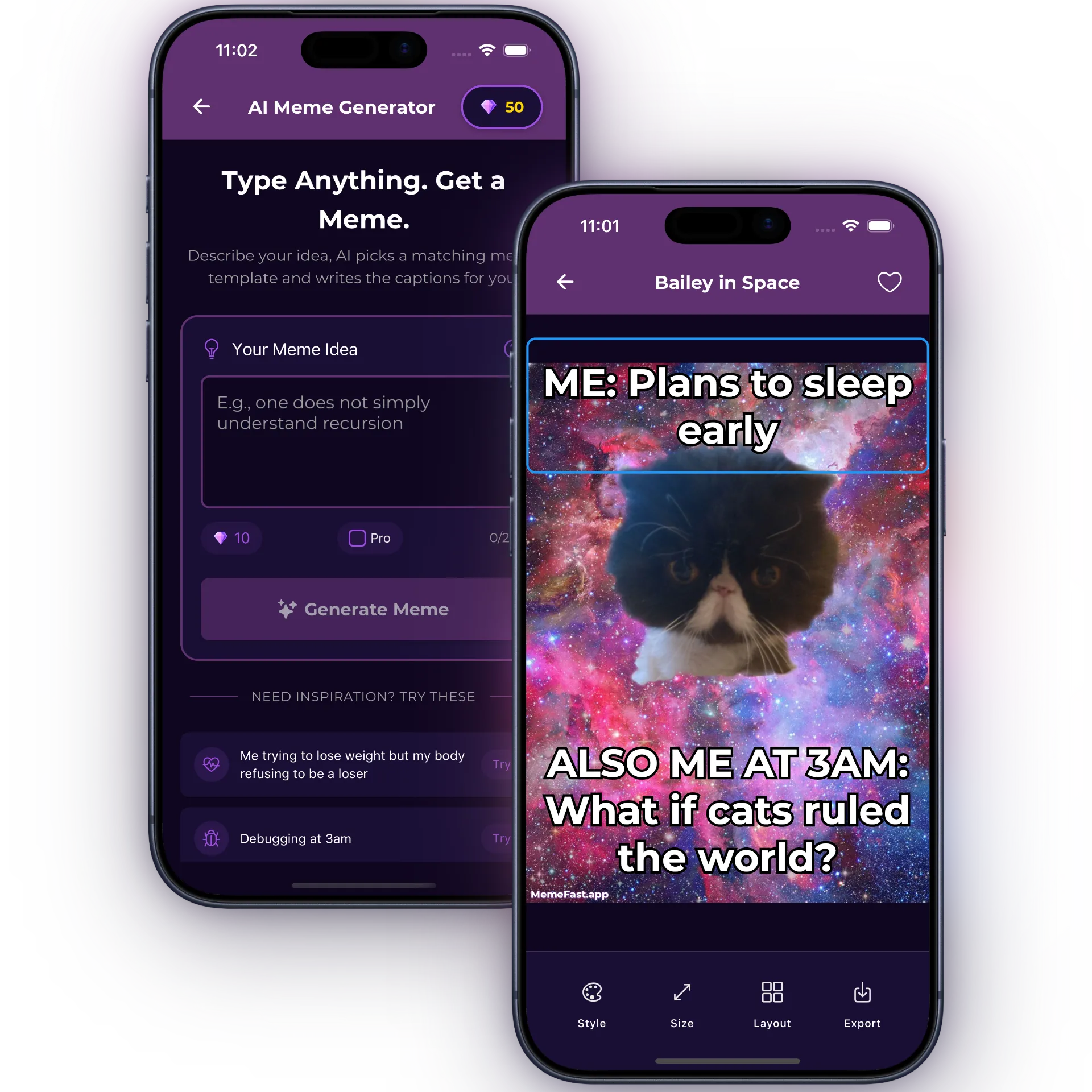
Making a meme is easy with MemeFast! Just follow 3 simple steps: 1) Choose a meme template from library of 2000+ options or upload your own image, 2) Add your text and customize fonts, colors, and positioning, 3) Save and share your meme to social media or download to your device. The whole process takes less than 10 seconds!
How do you make funny memes?
To make funny memes, focus on relatable situations, perfect timing, and clever captions. Use popular meme templates that people recognize, keep your text concise and punchy, and don't overthink it - the best memes are often simple. AI meme generator can also help by suggesting funny captions based on your idea!
What's the best free meme maker app?
MemeFast is the best free meme maker app because it combines speed, ease of use, and powerful features. You get 2000+ meme templates, AI-powered meme generation, a full-featured editor, and it's completely free forever. The free tier shows non-intrusive ads, no account is required, and the app works offline on both iPhone and Android. Upgrade to PRO ($2.99/month) to remove ads and watermarks.
How do I use a meme template?
Using a meme template is super simple: Open MemeFast, browse or search for your desired template (like funny memes, dank memes, relatable memes, birthday memes), tap the template to open it in the editor, add your custom text to the designated areas, adjust fonts and colors if needed, then save or share. Each template comes with pre-defined text areas that make it foolproof.
Can you make memes from photos?
Yes! MemeFast lets you make memes from your own photos. Just upload any image from your gallery, use meme editor to add text, stickers, and effects, and save your custom meme. You can also apply preset layouts that automatically position text in popular meme formats, making your photos look like professional memes instantly.
Is MemeFast free to use?
Yes, MemeFast is completely free to use forever! You get unlimited access to create memes, use all 2000+ templates, and the AI meme generator without paying a cent. We also offer an optional PRO version for $2.99/month that removes watermarks, adds 500+ premium templates, and enables HD exports, but the free version has everything most people need.
What is a meme generator?
A meme generator is a tool that helps you create memes quickly and easily. It provides templates of popular meme formats, lets you add custom text and images, and exports shareable images. Modern meme generators like MemeFast also include AI features that can automatically create memes based on text descriptions, making the process even faster.
How do you make birthday memes?
To make birthday memes with MemeFast, search for 'birthday' in our template library to find funny birthday-themed meme templates, or use templates like funny memes, dank memes, birthday memes, or cat memes with birthday-related captions. You can also upload a photo of the birthday person and add funny text using meme editor. AI meme generator can create birthday memes if you describe what you want!
Loved by Meme Lovers Worldwide
Join thousands of people creating viral memes every day
4.6average from 44 ratings on the App Store and Google Play
Great App
My favorite AI meme generator on the market. Been having a blast making these to share in group chats!
TreyB
· App Store
Yasssss
This is what I have needed in my life! So far, I love it!! I just started messing around with it so if I come across anything, I'll let you know, but this is the bomb!! 💣🔥🤟
butdoesitwork??
· App Store
Great app
Lucio Ferro
· Google Play
Fantastic, with a high level of customization for fonts, colors, and templates. Intuitive and very easy to use, plus the added bonus of AI-powered creation features.
Javi Islas
· Google Play
Easy memes
Easy and quick way to make your own memes. Great download.
Rich E. Cheese
· App Store
Love it!
Well yea it works! Custom watermark is the best!
Honzayk
· App Store
Great app — very easy to make memes and the templates are genuinely useful.
Hly
· Google Play